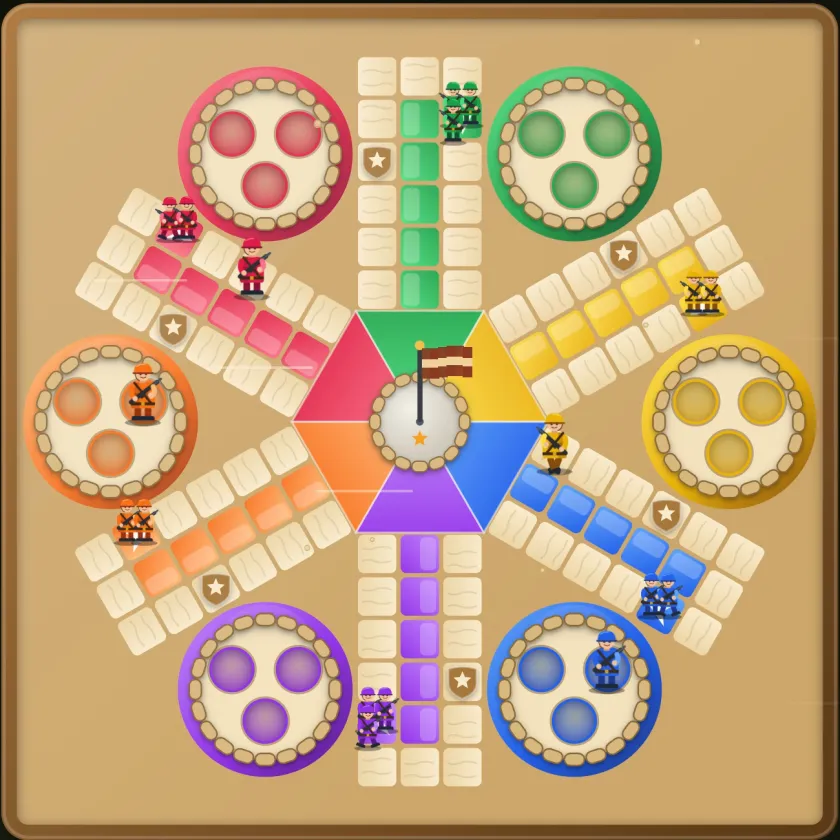
Ludo online is the same board game you know, with the dice rolled for you and the other players on their own phones. There are two ways in: jump into a match with whoever is looking for a game, or open a private room and send the code to people you know.
This guide uses Ludo Fighters as the example, because that's the game we make. Most of it applies to any online Ludo app.
The two ways to play online
In Ludo Fighters both live under Online squads on the home screen.
Quick battle puts you in a match with other players. You choose 2, 4 or 6 players and the game finds a table. If the seats don't fill in about 15 seconds, Lumi AI, the game's computer opponent, takes the empty ones so you're never left waiting. Quick battle always plays Classic rules, so everyone at the table knows what to expect.
Private rooms are for your own group. The host creates a room, gets a 6-character code and a share link, and picks the number of squads (2 to 6), the battlefield and the house rules. The step-by-step version, with troubleshooting, is in how to play Ludo online with friends using a room code.
| Quick battle | Private room | |
|---|---|---|
| Who you play | Other players looking for a game | People with your code or link |
| Players | 2, 4 or 6 | 2 to 6 squads |
| Rules | Classic | The host decides, including Landmines, Mine detector and Chaos cards |
| Empty seats | Lumi AI after about 15 seconds | The host can fill them with Lumi AI |
Guest or account?
You don't need an account to play online. As a guest you pick a callsign, which is the only name other players see, and you can start straight away. No email, phone number or real name.
An optional account, set up with a code sent to your email, keeps your rank, profile photo and friends on any phone. Other players never see your email address. With an account you can add friends by username, see when they're online, call them into a battle and climb the leaderboard.
If you change your mind later, Settings has Delete my online account, and the account and its data are removed straight away. The delete account page lists exactly what goes.
How an online turn works
The rules don't change because you're online. You roll, you pick a soldier, you move. Landing exactly on an enemy outside a safe square starts a short gun fight and sends that soldier back to base, the same as on one phone. If you only have one legal move, the game makes it for you.
What's different is time. Nobody wants to watch a frozen board, so if a player is slow or loses connection, Lumi AI plays their turn and the match keeps going. When they come back they can rejoin their seat with the same squad. If someone quits on purpose, Lumi AI takes over their squad for the rest of the match.
Talking to other players
There is no typed chat in Online squads. You talk with fixed callouts and emotes, the short lines and gestures the soldiers use during a match. That's on purpose: when you play Ludo online with strangers, a preset "Nice!" can't turn into abuse.
If anyone does cause trouble, tap their name in the match to report them, for their callsign, cheating, abuse or something else, or simply block them. Blocked players are never matched with you again. Our fair play rules say what crosses the line, and they apply to private rooms and Quick battle alike.
Parents who want the full picture, including store age ratings and every setting, can read the parents' guide.
Seasons, daily orders and the leaderboard
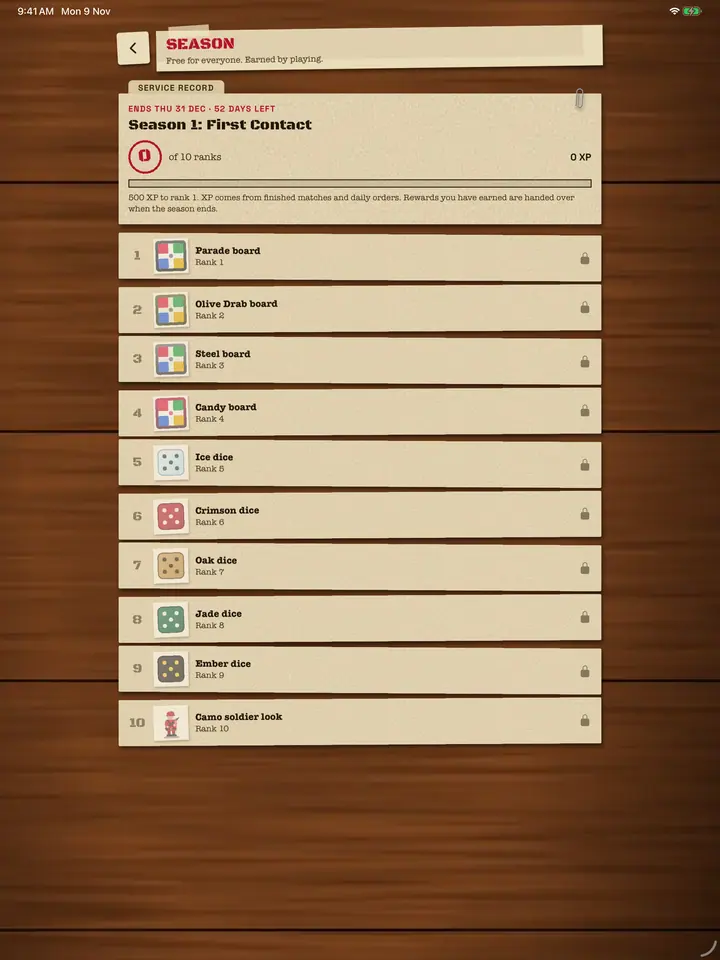
Online play counts towards the same progress as the rest of the game. Finished matches and daily orders earn XP towards ten season ranks, and each rank unlocks a look for your board, dice or soldiers. Rewards are cosmetic only: nothing you earn makes your dice roll better.
Online or offline?
Online needs everyone to have the game and a connection. If you're all in the same room, or the wifi is bad, one phone is often the better choice.
| You want to... | Use |
|---|---|
| Play with people you know on their own phones | A private room |
| Play a quick match with anyone | Quick battle |
| Play with people sitting next to you | Pass & play on one phone |
| Play alone, anywhere, with no internet | Play vs Lumi AI |
How to play Ludo offline covers the one-phone and solo options in detail.
Getting better at online Ludo
Online players are less predictable than a computer. Some run one piece home, some hunt every capture. The basics still win: keep your pieces out of the six squares in front of an enemy, use the safe squares as stepping stones, and don't leave one soldier a single lap from home when the board behind it is crowded. The Ludo strategy guide has the full checklist, and Ludo tips and tricks has the quick version.
Five or six players change the maths, because your turn comes round much more slowly. Read how 6 player Ludo works before your first six-player Quick battle.
Common questions
Can I play the Ludo board game online for free?
Ludo Fighters is free to download, with no ads and no in-app purchases, and Online squads are part of the free game.
Can I play Ludo online with strangers?
Yes. Quick battle matches you with other players looking for a game, with 2, 4 or 6 players. There is no typed chat, only fixed callouts and emotes, and you can report or block anyone.
Do I need an account to play Ludo online?
Not in Ludo Fighters. You can play as a guest with a callsign. An optional account keeps your rank, photo and friends on any phone.
What happens if my internet drops during an online match?
Lumi AI plays your turns so the match doesn't stall. Reconnect and you can rejoin your seat with the same squad.
How many people can play Ludo online at once?
Quick battle takes 2, 4 or 6 players. A private room takes 2 to 6 squads, with Lumi AI in any seats nobody's using.